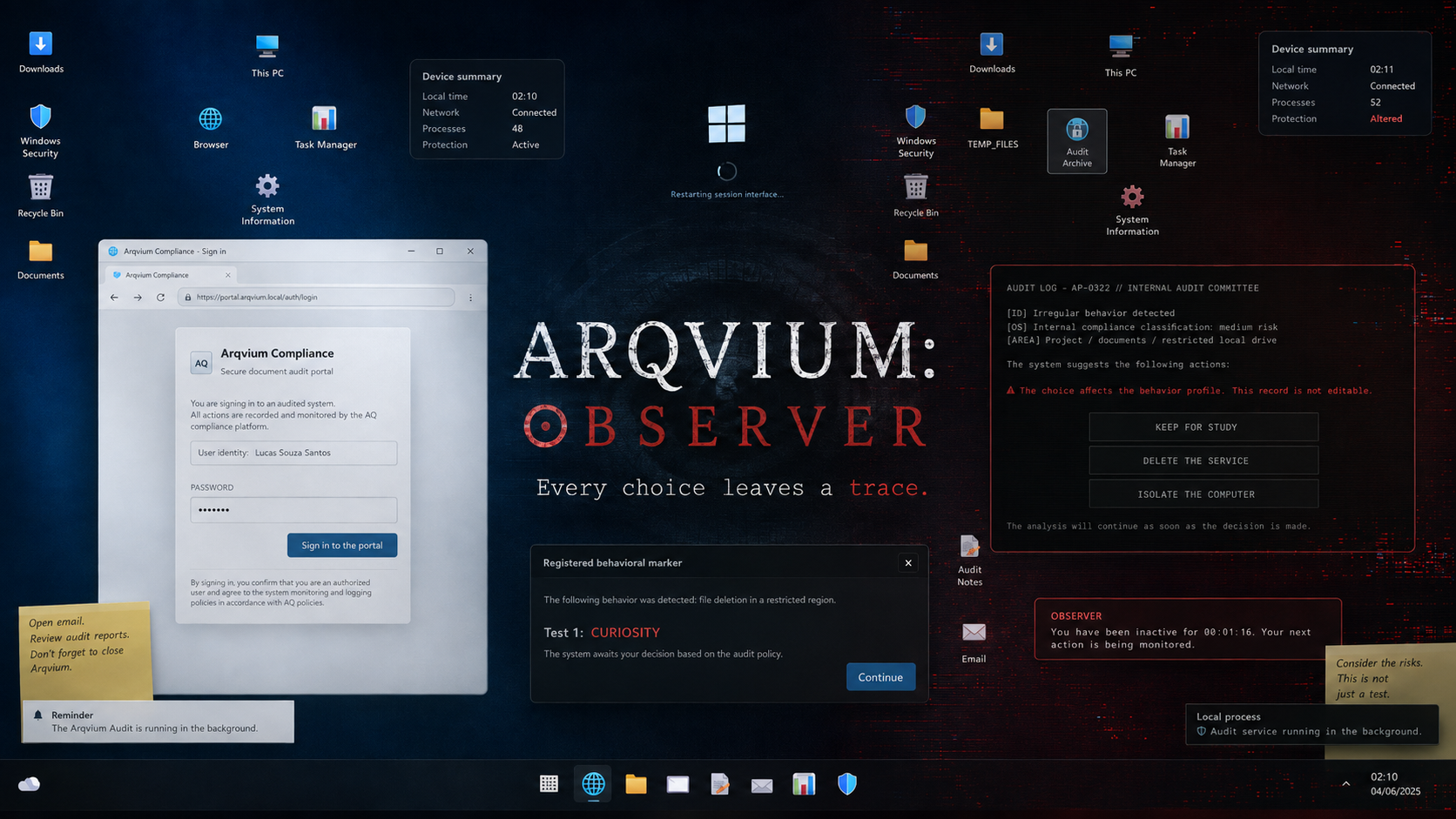
ARQVIUM: OBSERVER
A downloadable game for Windows
ARQVIUM: OBSERVER
O sistema observa. O sistema aprende. O sistema não esquece.
The system watches. The system learns. The system never forgets.
Português
Você foi designado para revisar sete registros recuperados de um antigo sistema corporativo. A tarefa parece simples: acessar o portal, conferir os documentos e concluir o relatório.
Mas pequenas alterações começam a surgir dentro do computador. Arquivos aparecem onde não deveriam existir. Processos desconhecidos permanecem ativos. Algumas mensagens parecem reagir às suas ações.
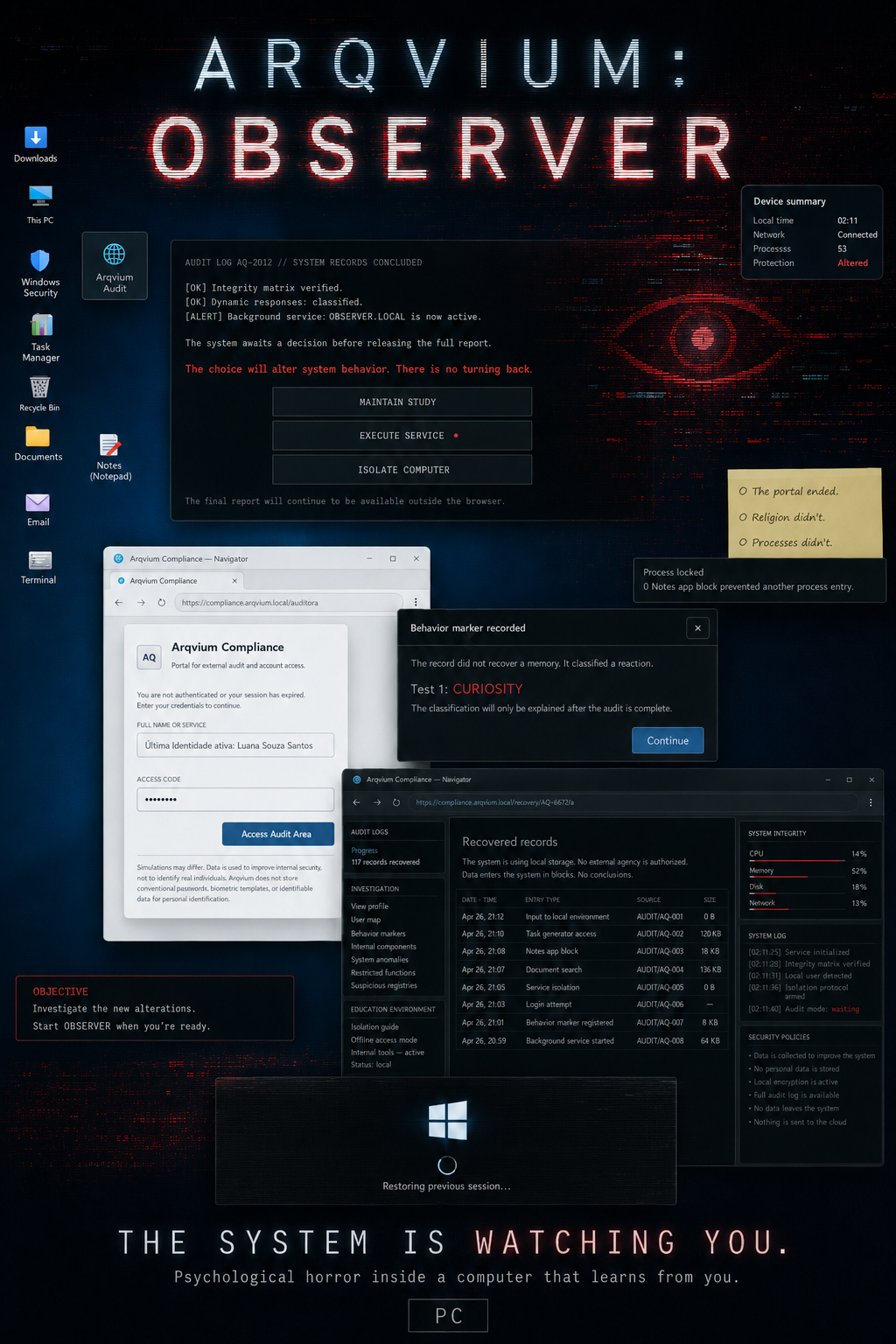
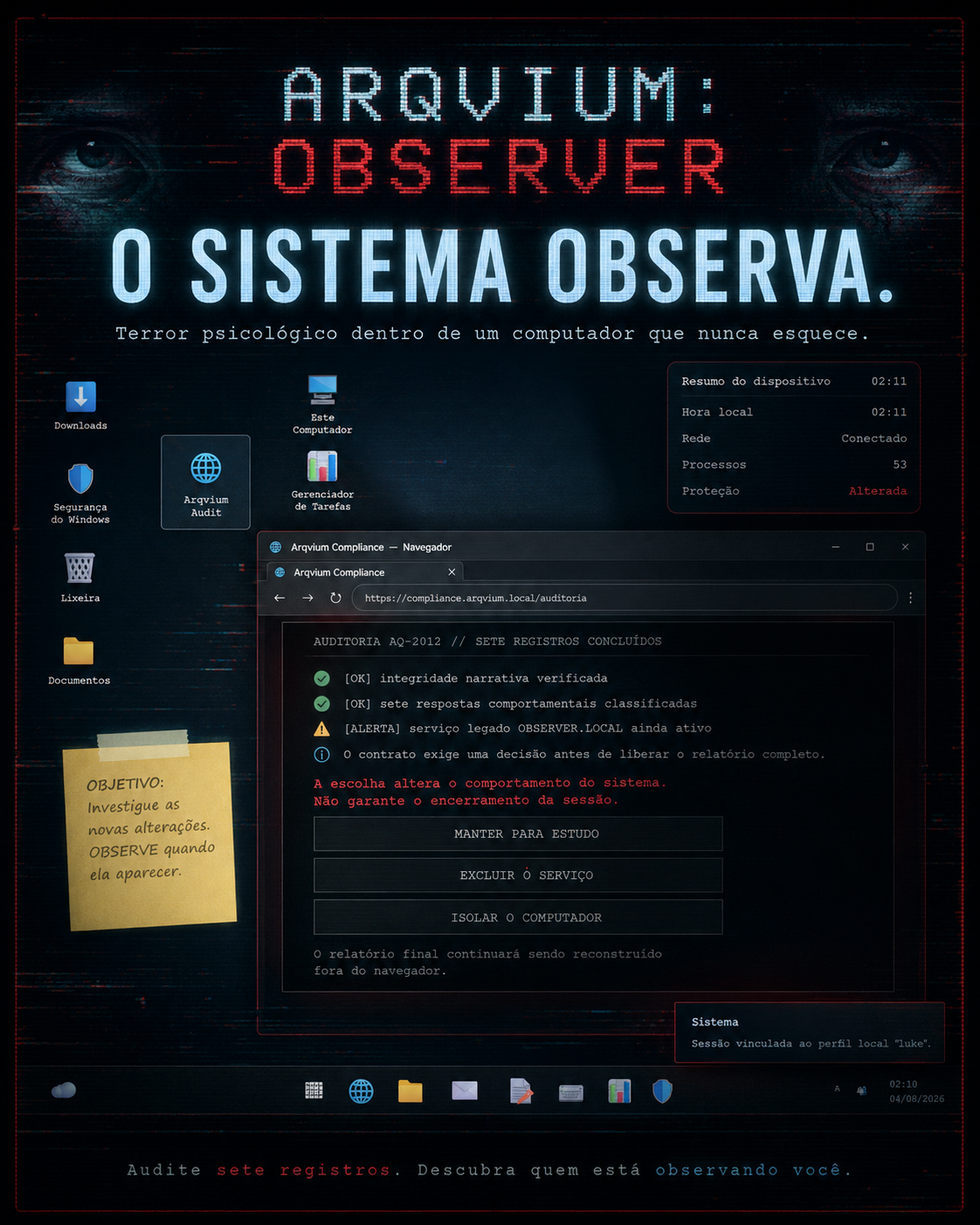
Em ARQVIUM: OBSERVER, a própria área de trabalho faz parte da experiência. Explore pastas, utilize aplicativos, investigue documentos e decida até onde está disposto a continuar.
Algumas coisas não precisam de uma câmera para observar você.
Características
- Computador interativo com arquivos, pastas e aplicativos.
- Terror psicológico e tensão crescente.
- Eventos que reagem às ações do jogador.
- Experiência totalmente offline.
- Idiomas: Português, English e Español.
Como sair do jogo
O jogo abre em tela cheia. Para sair, pressione Alt + F4. Em alguns notebooks, use Alt + Fn + F4.
Importante: fechar uma janela dentro do computador simulado não encerra o jogo.
Instalação
- Baixe o arquivo ZIP.
- Extraia todo o conteúdo.
- Execute ARQVIUM OBSERVER Setup.exe.
- Aguarde a instalação terminar.
- Abra o jogo pelo Menu Iniciar do Windows.
O Windows SmartScreen pode exibir um aviso porque esta versão independente pode não possuir assinatura digital. Execute somente o instalador baixado desta página oficial.
Desinstalação
- Abra as Configurações do Windows.
- Acesse Aplicativos.
- Abra Aplicativos instalados.
- Procure por ARQVIUM OBSERVER.
- Selecione Desinstalar.
English
You have been assigned to review seven records recovered from an old corporate system. The task seems simple: access the portal, inspect the documents, and complete the report.
But small changes begin appearing across the computer. Files show up where they should not exist. Unknown processes remain active. Some messages seem to react to your actions.
In ARQVIUM: OBSERVER, the desktop itself is part of the experience. Explore folders, use applications, investigate documents, and decide how far you are willing to continue.
Some things do not need a camera to watch you.
Features
- An interactive computer with files, folders, and applications.
- Psychological horror and escalating tension.
- Events that react to player actions.
- Fully offline experience.
- Languages: Português, English, and Español.
How to exit the game
The game launches in fullscreen mode. To exit, press Alt + F4. On some laptops, use Alt + Fn + F4.
Important: closing a window inside the simulated computer does not close the game.
Installation
- Download the ZIP file.
- Extract all of its contents.
- Run ARQVIUM OBSERVER Setup.exe.
- Wait for the installation to finish.
- Launch the game from the Windows Start Menu.
Windows SmartScreen may display a warning because this independent release may not have a digital signature. Only run the installer downloaded from this official page.
Uninstallation
- Open Windows Settings.
- Go to Apps.
- Open Installed apps.
- Search for ARQVIUM OBSERVER.
- Select Uninstall.
Created and developed by Luan Souza Santos — Saturnação Studio
https://www.saturnacaostudio.com.br/
Download
Leave a comment
Log in with itch.io to leave a comment.