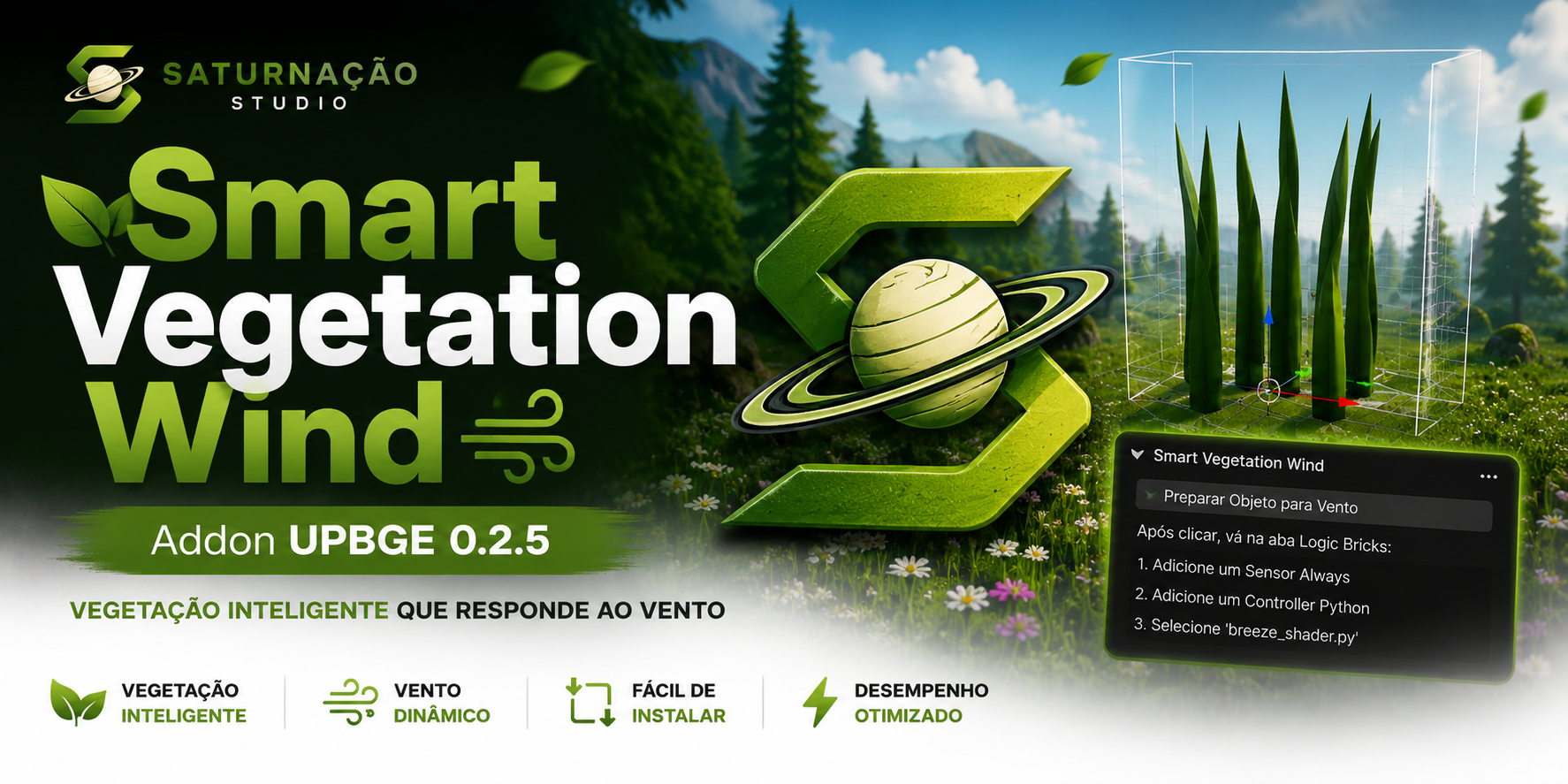
Smart Vegetation Wind
A downloadable tool
Smart Vegetation Wind: Advanced Procedural Motion for UPBGE
Smart Vegetation Wind is a high-level optimization tool for UPBGE 0.2.5, designed to solve performance bottlenecks in dense environments. By replacing heavy, pre-recorded animations with procedural shaders, the addon allows vegetation to interact with the environment in a dynamic, organic, and highly efficient way.
Key Features:
- Vertex-Based Procedural Simulation: Instead of using memory-intensive keyframes, the system utilizes mathematical functions (sine waves) to calculate vertex displacement in real-time. This ensures constant fluidity, regardless of the number of plants on screen.
- Automated Code Injection: The addon automates technical setup, creating and linking the
breeze_shader.pyscript to the selected object with a single click. It manages properties intelligently, ensuring the script's lifecycle integrates perfectly with the UPBGE Game Logic. - Performance Optimization (Skipping Logic): Designed for efficiency, the engine implements skip logic and utilizes vertex arrays to minimize draw calls, ensuring that the impact on FPS remains negligible, even with thousands of instances.
- Organic Variation (Randomized Offset): Each configured object receives a unique random time offset. This eliminates the "synchronized grass" effect, creating an asynchronous movement that simulates the natural behavior of wind in real-world fields.
Download
Install instructions
How to install and use:
- Download: Download the
.zipfile from the project page. - Unzip: Extract the file to a folder of your choice on your computer.
- Addon Installation:
- Open UPBGE 0.2.5.
- Go to File > User Preferences > Add-ons.
- Click on "Install from File..." at the bottom.
- Select the
.pyfile you extracted. - Find the addon in the list and check the box to enable it.
- How to use:
- The addon will appear on the Tools tab in the 3D Viewport sidebar (
Tkey). - Select your vegetation object.
- Click "Prepare Object for Wind".
- Follow the instructions on the panel to finalize the setup in the Logic Bricks editor.
- The addon will appear on the Tools tab in the 3D Viewport sidebar (
Leave a comment
Log in with itch.io to leave a comment.